

LabPBR Materials
Resource packs
LabPBR MaterialsLearn more
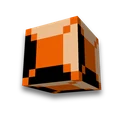
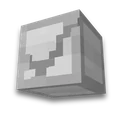
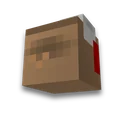
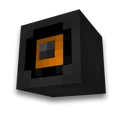
Block texture and height map → relief, smoothness and metal in LabPBR. Maps _n/_s, preview and ready-made resource pack.
My game select version
We'll remember in this browser and set up where your version is available. Open link settings are more important than this choice; the Vicki versions do not change.
Result
Fill in the settings and click the button. The preview, verified values and files will appear here.
How to use the result
- You need a shader with LabPBR support and included materials. Terrain/POM support depends on the selected shader.
- A separate map of the heights of the coloured texture is more accurate. The basic texture preserves the original pixels; the general texture changes several blocks.
Next step: run Minecraft at JuxLauncher or Select server.
Additional modes
- Bedrock VV and RTX material
Gather Bedrock material for Vibrant Visuals or RTX: Color PNG, Equivalent metalness, Emisseive and roughness, optional normal and texture_set in finished mcpack.
Frequently asked questions
Do you need a shader for LabPBR?
Yes, you need a shader that supports LabPBR and includes materials. Without it, the base texture works, but the terrain and material are not displayed.
Where does the relief come from?
From a separate map of the height or brightness of the main texture. Brilliance does not automatically determine the physical shape: load the drawing card if necessary.
What else will change with the block?
All blocks using the same texture file. As in a regular resource pack, the texture can be shared between slabs and steps.






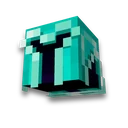


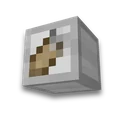
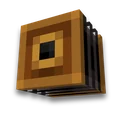
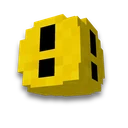
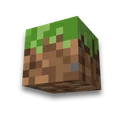
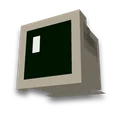
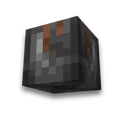
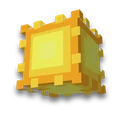
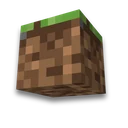

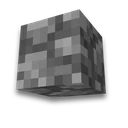
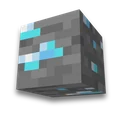
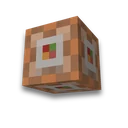
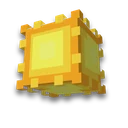
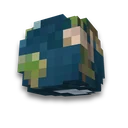
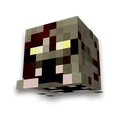
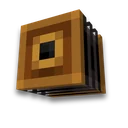
 Block Palette