
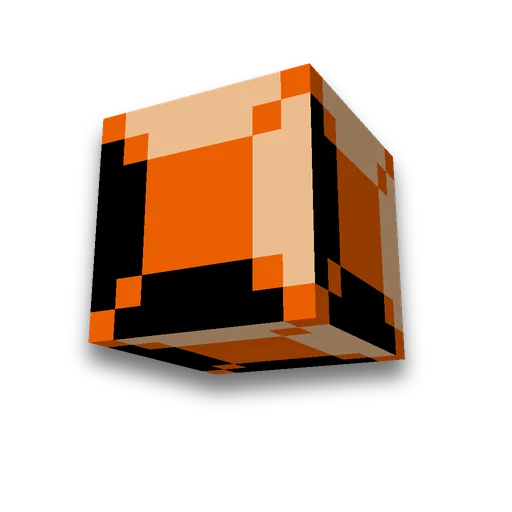
Minecraft 3D block model
Resource packs
Use a Blockbench model for a placed blockLearn more
Turn a Blockbench block model and textures into a Minecraft Java resource pack. Choose the vanilla block and states, then inspect the result in a 3D preview.
My Game select version
Save your preferences in this browser and apply them to supported tools. Settings in a shared link take priority. Wiki version labels are not affected.
2. Result
Set up your project or upload files. Here, verified JSON, preview, and ready-to-use archive will appear.
How to use the result
- Place the ZIP file in resourcepacks.
- Enable the pack above others and update resources with F3+T.
- Place the selected block in the world and compare it to the preview. Use different coordinates for different variations.
Uploaded files and results are available via link for one hour. To continue work, save your project and archive.
Frequently asked questions
Does the block's hitbox change along with its model?
No. The resource pack changes the appearance of the selected vanilla block. Its collision, durability, and behavior are defined by the game.
How to preserve block rotations and states?
The pack preserves original blockstates selectors, rotations, and uvlock. An empty states list replaces the model in all block states.









 Minecraft /give generator