

Custom menu background
Resource packs
Your own picture on the background of the main menuLearn more
The background of the main menu is a camera inside a cube of six images that rotates slowly. Load your picture or photo 360° - cut the edges and collect the resource pack.
My game select version
We'll remember in this browser and set up where your version is available. Open link settings are more important than this choice; the Vicki versions do not change.
Your own picture
What is this picture
The usual picture will lie on the four sides of the cube. A 360° photo in a 2:1 ratio - taken with a phone or 360 camera - will become a full panorama.
Game version
Result
Bye - vanilla panorama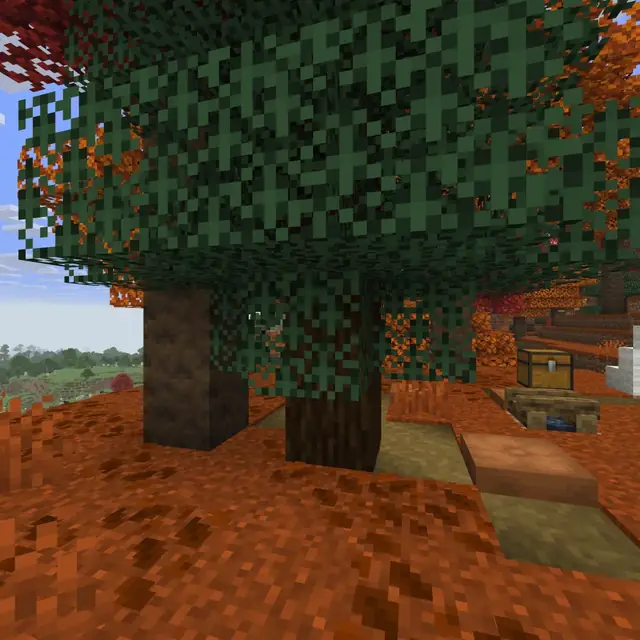
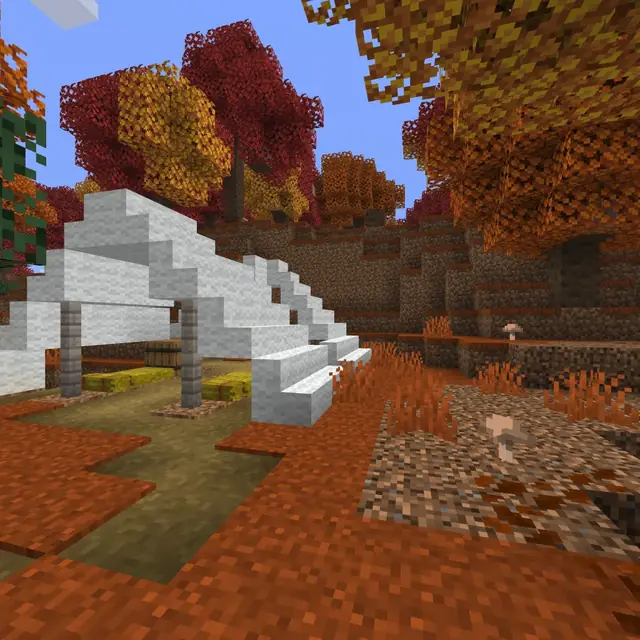
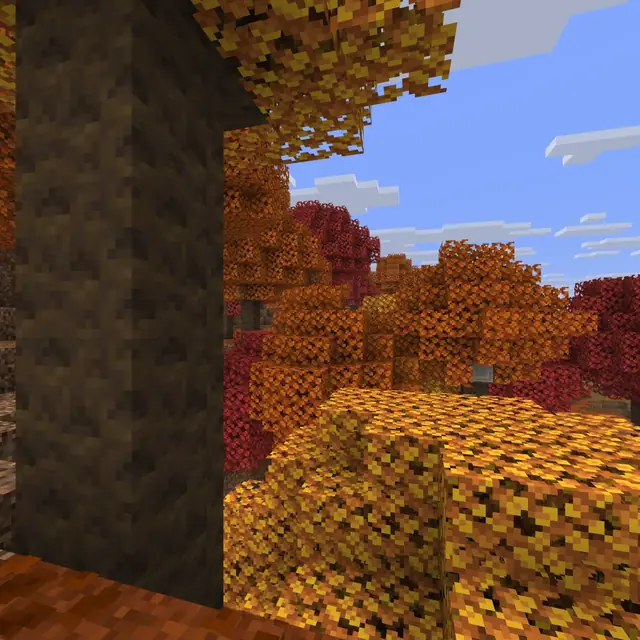
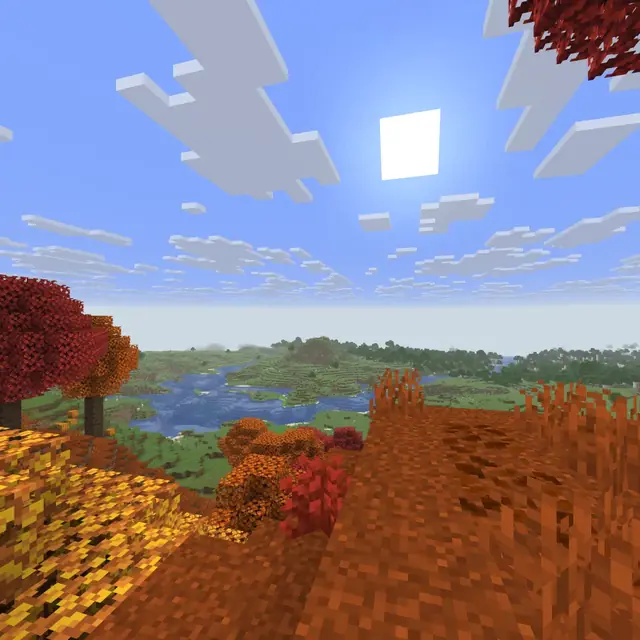
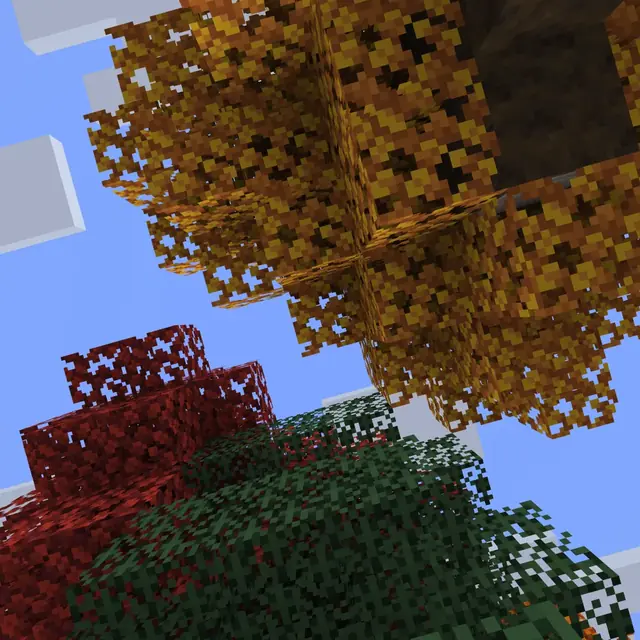
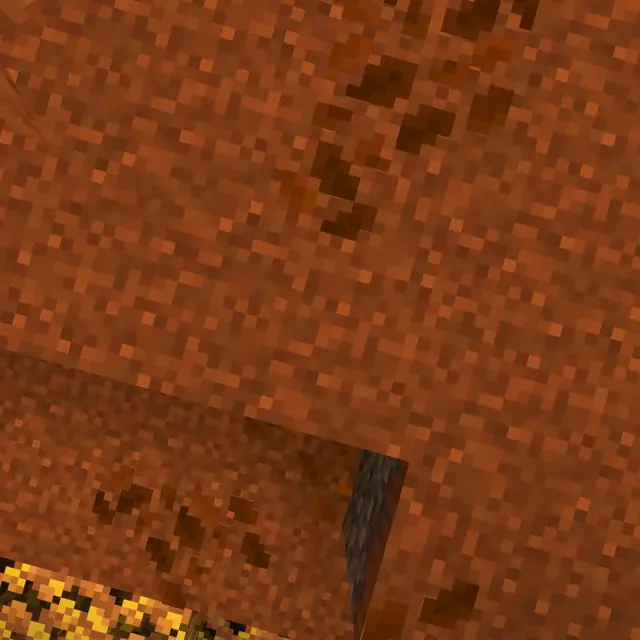
Preview: vanilla panorama of the main menu.
Upload the image in step 1 and the “Download resource pack” button will appear.
How to use
- Download the resource pack
The “Download resource pack” button results in the zip being collected immediately, it does not remain on our disk.
- Put it in resourcepacks
Folder .minecraft/resourcepacks, then Settings → Resource Packs → enable.
- Exit to main menu
The background will change as soon as the pack is turned on - no need to restart the game.
What you need to know about the menu background
- The background is six pictures of a cube. Files panorama_0…panorama_5 in textures/gui/title/background: four sides in a circle, top and bottom. Puck puts down all six.
- The usual picture falls on the sides. The square from its middle is repeated on four sides through one mirror - so the edges coincide, and when turning the seam is not visible.
- 360° photography provides a true panorama. A 2:1 scan is taken by a 360 camera or the “Panorama 360” mode on your phone; a whole cube is cut out of it, with heaven and earth.
- A screenshot of your building is also suitable. Upload it as a regular image - you will get a menu with your world.
- The line is 768x768 pixels. The game doesn't need more: the menu window shows approximately one edge per screen height.
- The picture does not get onto the disk. It lives in memory for an hour and then goes away on its own.
The sun and moon will replace Your sky., and will collect several of his packs into one package merger.
Frequently asked questions
How to change the background of the Minecraft main menu?
A resource with six pictures of panorama_0...panorama_5 in textures/gui/title/background. Load the picture -- the generator will cut the edges and collect the pack, and it remains to be included in the settings.
Is it possible to put a regular picture in the menu, not 360°?
Yes. The square from its middle will lie on four sides of the cube through one mirror - then the edges coincide and the seam is not visible when turning.
Why does the menu background look stretched?
It's likely that the normal picture was placed as a 360° panorama. The opening of 360° is a 2-1 photo; for the rest, the normal image mode is appropriate.









 Server icon