
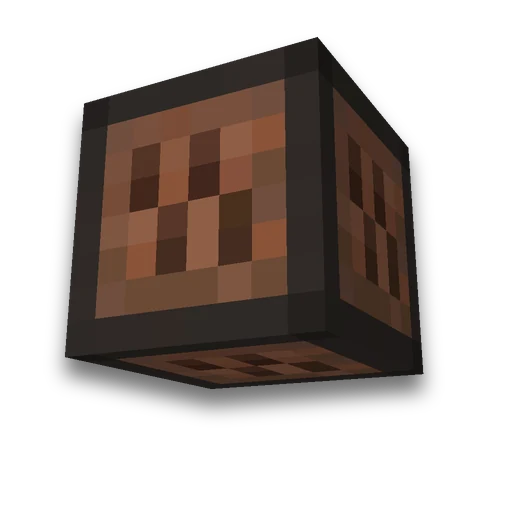
WAV melody into note blocks
Resource packs
Single WAV melody in sheet music and datapackLearn more
Transform the short single tune WAV PCM16 into the sounds of the notes of Minecraft: analysis of the height F#3-F#5 of silence, CSV note and date pack with launch and stop.
My game select version
We'll remember in this browser and set up where your version is available. Open link settings are more important than this choice; the Vicki versions do not change.
How to use
- Step 1
Load the WAV PCM16 to 20 seconds with one tune, set the silence threshold. Activate the output package at Java 26.3 and execute the play and step commands from the result.
What you need to know
- Load the WAV PCM16 to 20 seconds with one tune, set the silence threshold. Activate the output package at Java 26.3 and execute the play and step commands from the result.
- The analysis selects the maximum spectrum energy at 25 heights of the F#3–F#5 arc with a step of 1 game tick. The game player is shared with the NBS envelope; events are available in notes.csv.
- This is a single melody rating: chords, speech, shockers and wrappers make mistakes. The sounds of note blocks are created through a date pack; the physical redstone diagram is not built.
Frequently asked questions
How to convert a recording of one WAV melody into block sounds?
Transform the short single tune WAV PCM16 into the sounds of the notes of Minecraft: analysis of the height F#3-F#5 of silence, CSV note and date pack with launch and stop.
In what range are WAV notes recognized?
Load the WAV PCM16 to 20 seconds with one tune, set the silence threshold. Activate the output package at Java 26.3 and execute the play and step commands from the result.
Will you get an accurate transcription of chords or speech?
This is a single melody rating: chords, speech, shockers and wrappers make mistakes. The sounds of note blocks are created through a date pack; the physical redstone diagram is not built.




















 MIDI to note blocks
 NBS in Minecraft