
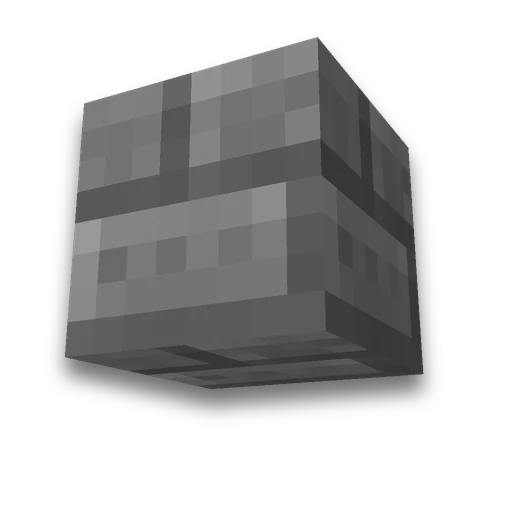
Minecraft custom block texture
Resource packs
Replace a block texture with your own imageLearn more
Stone, planks, diamond ore — any block with your image instead of the default texture. Select the block and face, upload the image — we'll create a resource pack.
My Game select version
Save your preferences in this browser and apply them to supported tools. Settings in a shared link take priority. Wiki version labels are not affected.
Which block
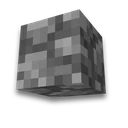
Which texture to replace — Stone
This texture is also used by: Bell, Infested Stone, Stone Button, Stone Pressure Plate, Stone Slab, Stone Stairs. The pack will update these too.
Custom image
Result
stone.png
Upload an image — the pack will be assembled with it.
How to use the result
- Download the pack
No unpacking is required: the game reads the resource pack directly from zip.
- Enable
Folder resourcepacks Then "Settings → Resource Packs". How to find the folder — in the wiki «How to install a resource pack».
- Several blocks
Create a pack for each block and combine them into one — this will help resource pack merger.
What to know
- Changes the texture, not the block itself. The pack replaces the image file, so all blocks with the same texture are updated: planks, stairs, slabs, and fences. The page names them
- Faces — from in-game models Which textures a block has, taken from client files 26.3: for logs, side and ends; for furnace, front, side, and top.
- Water, lava, and fire animated — their texture is a sequence of frames, and cannot be replaced with a single image. Such textures are not available in the selection.
- New item with its own texture, not replacing the old one, will collect its item texture.
Frequently asked questions
How to change a block's texture in Minecraft?
A resource pack: your image is placed at the vanilla texture path. Select the block and face, upload the image — the page will compile the pack.
Why do other blocks change along with the one?
One texture is shared among many blocks: planks — planks, stairs, slabs, and fences. The page lists them in advance.
What size should the block texture be?
Use 16×16 for vanilla resolution, or 32×32 and 64×64 for more detail.









 Minecraft pixel art generator