
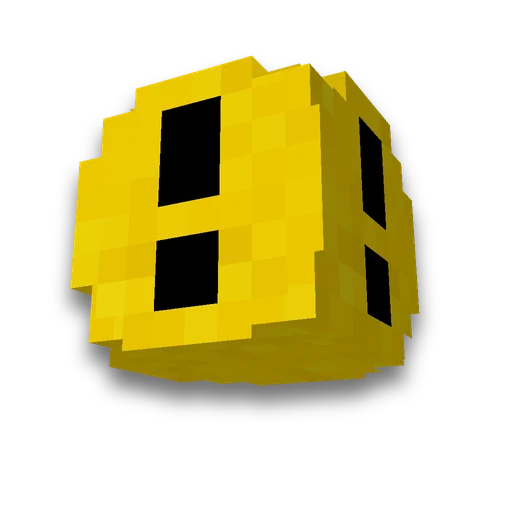
Minecraft custom splash text
Resource packs
Custom yellow splash text for the main menuLearn more
The yellow splash text in the main menu — splash. Enter your lines — we'll compile a resource pack, and the game will display them instead of vanilla or mixed with them.
My Game select version
Save your preferences in this browser and apply them to supported tools. Settings in a shared link take priority. Wiki version labels are not affected.
How to use the result
- Place the pack in the folder
Place the archive in .minecraft/resourcepacks— no need to unpack. To find the folder — in wiki.
- Enable and raise above others
Settings → Resource Packs: move the pack to the right. The splash file is taken from the pack above all others.
- Go to the main menu
Splashes are selected anew each time you enter the menu. If there are no splashes at all, check whether 'Hide splashes' is enabled in special options.
What to know about splashes
- The pack replaces the list, rather than appending The game reads the file. texts/splashes.txt One pack has the topmost setting. To keep vanilla text, select 'My and vanilla'.
- Three dates are stronger than the pack. On December 24, January 1, and October 31, the game displays its holiday splashes regardless of what is in the file.
- Tilt and pulse — games. The text is rotated 20° and pulses, with a yellow color too. The file contains only text.
- All vanilla strings — in the wiki. List with search and drop chance — on the page "Splashes".
To create a custom main-menu background, use panorama generator, your music and sounds — my sounds.
Frequently asked questions
How to change the yellow text in Minecraft's main menu?
A resource pack: splash texts are stored in the texts/splashes.txt file, and the pack replaces them with your own files. The page will compile such a pack from your provided lines.
Why did vanilla splashes disappear?
Minecraft uses the splash-text file from the highest-priority pack. Choose My text and vanilla to include both sets in the same file.
Can you write splashes in Russian?
Yes, Cyrillic is supported in the game font. A line longer than 60 characters will overflow the screen edge.









 Minecraft MOTD generator