3D model to Minecraft blocks
Building
Convert OBJ models to Litematica, WorldEdit or NBTLearn more
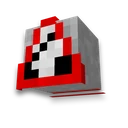
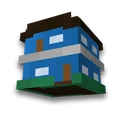
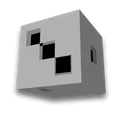
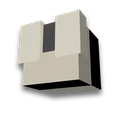
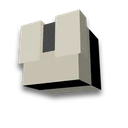
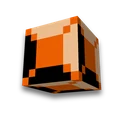
Upload OBJ or ZIP containing one OBJ and MTL file. Colors are taken from vertex and Kd material properties. Output includes a block-based model surface, three views, and a ready-made schematic. Without a file, a colored cube is displayed.
My Game select version
Save your preferences in this browser and apply them to supported tools. Settings in a shared link take priority. Wiki version labels are not affected.
Model Surface · 3176 blocks

Front · side · top. Internal volume is not filled.
Download LitematicaDownload WorldEditDownload Structure BlockMaterials
- Light Gray Concrete — 1087
- Light Blue Concrete — 511
- Orange Concrete — 464
- Yellow Concrete — 417
- Lime Concrete — 274
- Cyan Concrete — 263
- Red Concrete — 102
- Pink Concrete — 52
- Purple Concrete — 6
How to build in the world
Open .litematic file in Litematica, .schem — in WorldEdit. Formats can be changed in schematic converter. NBT — a structure block template; the maximum side size for a structure in Java is 48 blocks.
Polygonal OBJ files with triangles and convex faces are supported. Image textures, curves, and animations are not transferred; external files via links are not loaded. Size refers to the bounding box, not the exact number of blocks occupied on each edge.
Frequently asked questions
How to convert a 3D model into a Minecraft structure?
Upload a polygonal OBJ or a ZIP containing one OBJ and MTL file. Choose size and palette. Download the model surface in Litematica, WorldEdit, or NBT format.
Are model textures transferred?
Uses vertex colors and Kd material values from MTL files. Texture images, curves, and animations are not transferred; external resources are not loaded.