
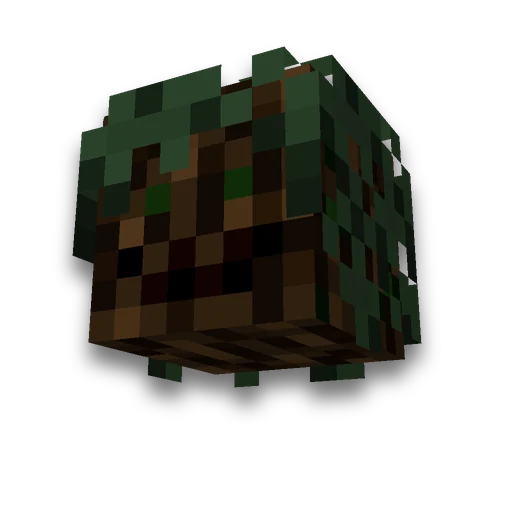
Decorative tree by size
Building
Custom-sized trunks, branches and canopiesLearn more
Design a decorative tree with custom height, trunk thickness and canopy radius. Choose a wood type and branch layout, then get plans, materials and build files.
My Game select version
Save your preferences in this browser and apply them to supported tools. Settings in a shared link take priority. Wiki version labels are not affected.
Blueprint of Layer 1

Materials
| Block | Quantity |
|---|---|
| Oak Leaves | 1731 |
| Oak Log | 91 |
How to build
- Select a size
The blueprint and material list update together. Start on level ground and leave enough space above the build.
- Repeat layers
Start with the first layer and go upward. An empty cell is air.
- Or load a file
Use Litematica for .litematic files and WorldEdit for .schem files. Import .nbt files with a Java Edition structure block; these are limited to 48 blocks along each axis.
This is a decorative build, not a growing sapling. Leaves are persistent and do not decay. The same dimensions, wood type, and branch variant produce the same tree.
Frequently asked questions
Can you grow a large tree without mods?
Yes. Choose height, trunk thickness, crown radius, tree type, and branch variant. Build it layer by layer or import a Java structure template.
Will decorative tree leaves fall?
In schematics files, leaves are marked as permanent. Leaves placed manually by players do not fall off. This is a decorative structure, not a grown sapling.





















































 Minecraft /fill, /clone and /setblock generator
 Minecraft single-biome world data pack