
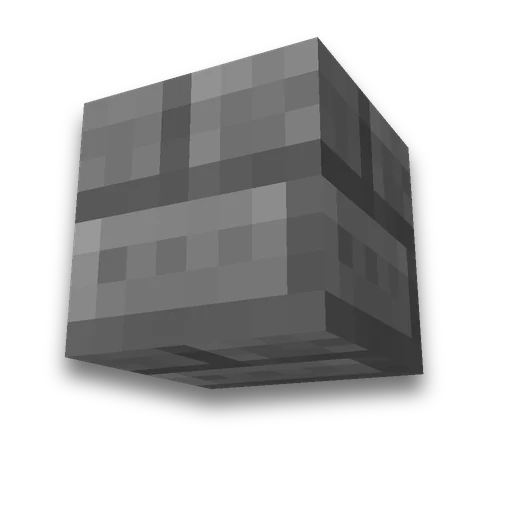
Arch by size
Building
Arches with custom width, height and thicknessLearn more
Design a Minecraft arch with custom width, height and thickness. Get layer plans, a side view, material counts and .litematic, .schem and .nbt files to build it in game.
My Game select version
Save your preferences in this browser and apply them to supported tools. Settings in a shared link take priority. Wiki version labels are not affected.
Blueprint of Layer 1

Materials
| Block | Quantity |
|---|---|
| Stone Bricks | 180 |
How to build
- Select a size
The blueprint and material list update together. Start on level ground and leave enough space above the build.
- Repeat layers
Start with the first layer and go upward. An empty cell is air.
- Or load a file
Use Litematica for .litematic files and WorldEdit for .schem files. Import .nbt files with a Java Edition structure block; these are limited to 48 blocks along each axis.
Frequently asked questions
How to build an arch in Minecraft by size?
Set the width, height, depth, and thickness of the arch. The generator will show each layer and materials; build from bottom to top or import a schema file.
Can you download an arc for Litematica?
Yes. Available formats are .litematic, .schem for WorldEdit and .nbt for Java Edition block structures.























 Minecraft /fill, /clone and /setblock generator