
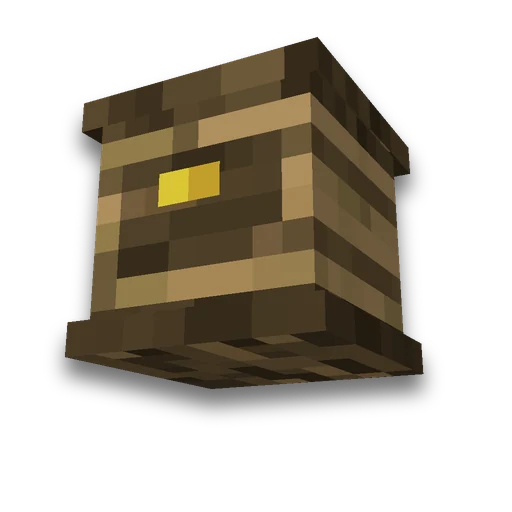
Items and furniture ItemsAdder
Own server
Models, items and furniture for the pluginLearn more
Collect ItemsAdder or Nexo content: your object, model, texture and furniture parameters. Ready seizures and files for server resource pack.
My game select version
We'll remember in this browser and set up where your version is available. Open link settings are more important than this choice; the Vicki versions do not change.
How to use
- Step 1
Configure the settings on the form and click Collect and Show.
- Step 2
Click "Download ZIP" and extract the archive. The installation procedure and the necessary commands are in the README.
- Step 3
Copy the files to the specified folders of the selected plugin and rebuild its resource pack. Path names are given in the README.
What you need to know
- Associates a user model with a specific server plugin item record.
- Copy the files to the specified folders of the selected plugin and rebuild its resource pack. Path names are given in the README.
Frequently asked questions
What does this tool create?
Collect ItemsAdder or Nexo content: your object, model, texture and furniture parameters. Ready seizures and files for server resource pack.
How to apply the result?
Copy the files to the specified folders of the selected plugin and rebuild its resource pack. Path names are given in the README.
Is it possible to immediately replace the settings on the main server?
First, save a copy of the settings and check the configuration with the right plagine on the test server. The name of the plagin and the order of installation are given in README.

































































 3D model of the item
 Custom item texture