

Minecraft Tier List
Building
Rank mobs, weapons and food from S to DLearn more
Arrange mobs, weapons, food, or biomes in rows S, A, B, C, and D — and grab a tier list image for a video, post, or debate with friends. Images are from the game.
My Game select version
Save your preferences in this browser and apply them to supported tools. Settings in a shared link take priority. Wiki version labels are not affected.
What to rank
Arrange
-
 Axolotl
SABCD
-
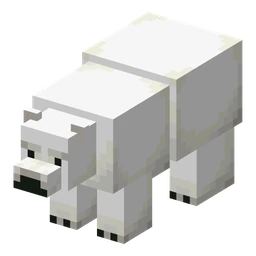 Polar Bear
SABCD
-
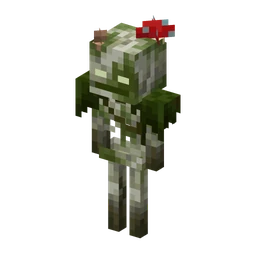 Bogged
SABCD
×
-
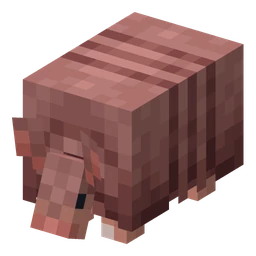 Armadillo
SABCD
-
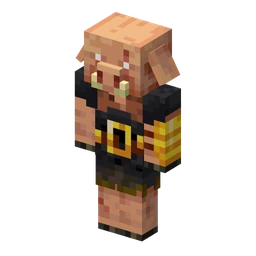 Piglin Brute
SABCD
-
 Witch
SABCD
-
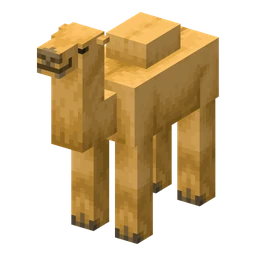 Camel
SABCD
-
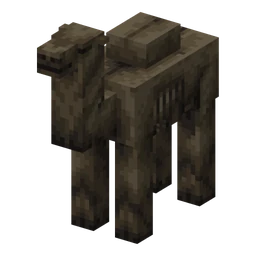 Camel Husk
SABCD
-
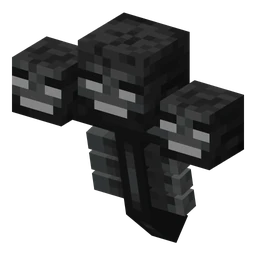 Wither
SABCD
-
 Wither Skeleton
SABCD
-
 Breeze
SABCD
-
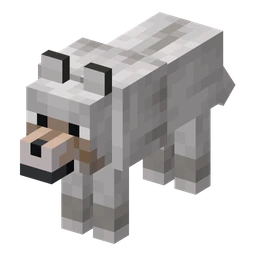 Wolf
SABCD
×
-
 Vex
SABCD
-
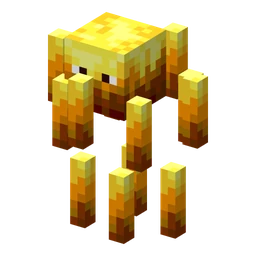 Blaze
SABCD
-
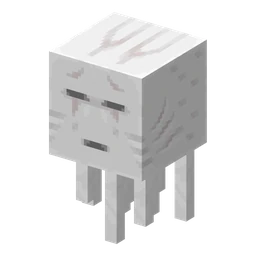 Ghast
SABCD
-
 Tadpole
SABCD
-
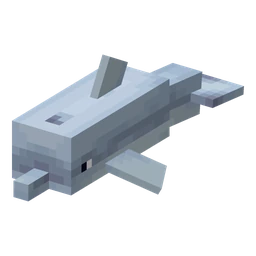 Dolphin
SABCD
-
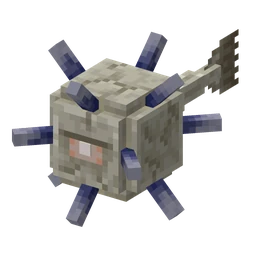 Elder Guardian
SABCD
-
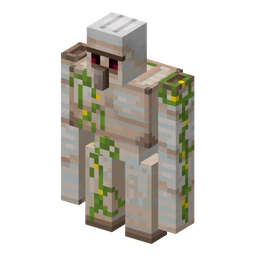 Iron Golem
SABCD
-
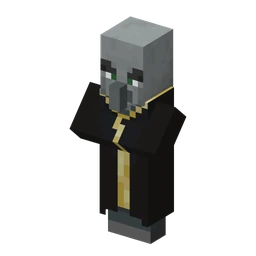 Evoker
SABCD
-
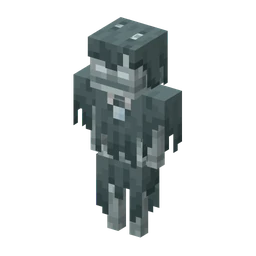 Stray
SABCD
-
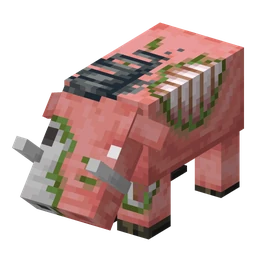 Zoglin
SABCD
-
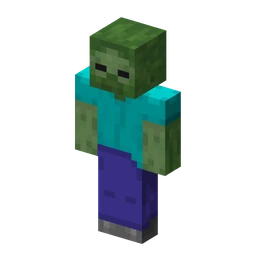 Zombie
SABCD
-
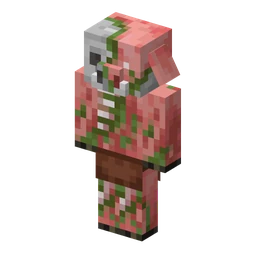 Zombified Piglin
SABCD
-
 Pufferfish
SABCD
-
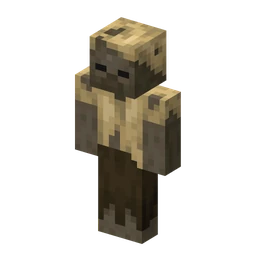 Husk
SABCD
-
 Goat
SABCD
-
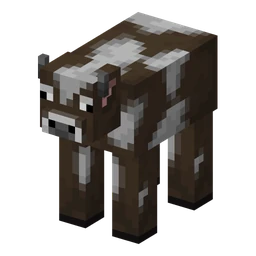 Cow
SABCD
-
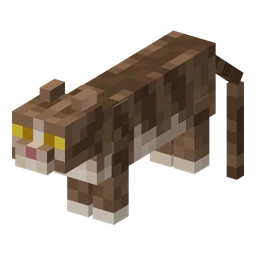 Cat
SABCD
-
 Villager
SABCD
-
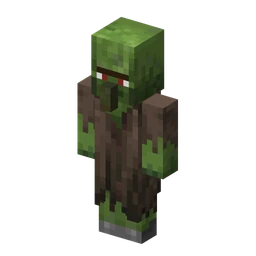 Zombie Villager
SABCD
-
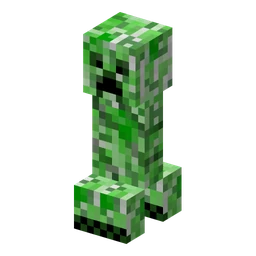 Creeper
SABCD
-
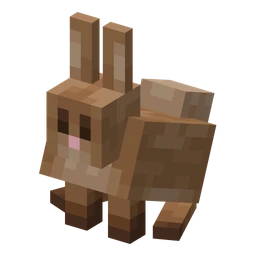 Rabbit
SABCD
-
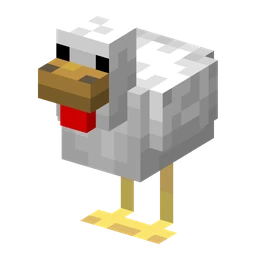 Chicken
SABCD
-
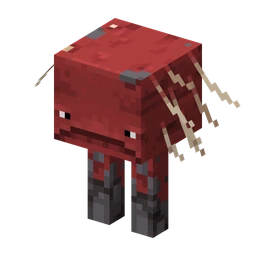 Strider
SABCD
-
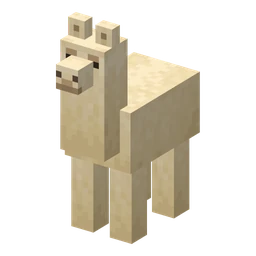 Llama
SABCD
-
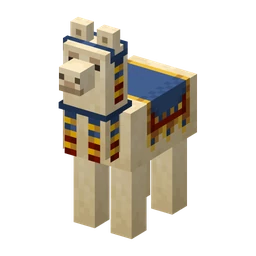 Trader Llama
SABCD
-
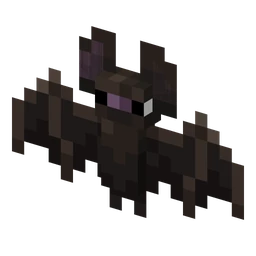 Bat
SABCD
-
 Fox
SABCD
-
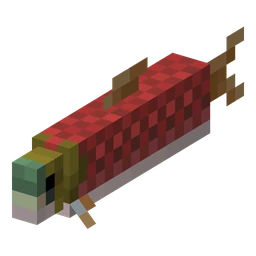 Salmon
SABCD
-
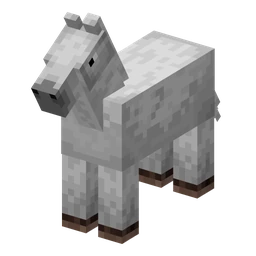 Horse
SABCD
-
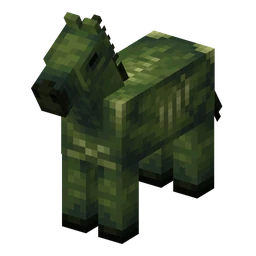 Zombie Horse
SABCD
-
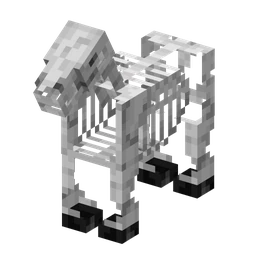 Skeleton Horse
SABCD
-
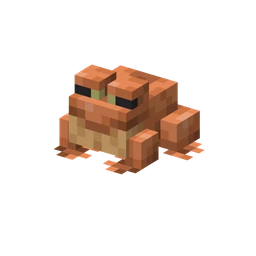 Frog
SABCD
-
 Magma Cube
SABCD
-
 Copper Golem
SABCD
-
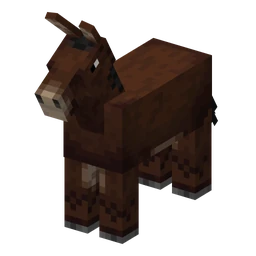 Mule
SABCD
-
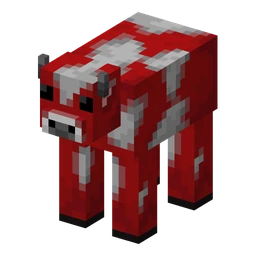 Mooshroom
SABCD
-
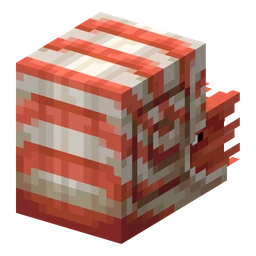 Nautilus
SABCD
-
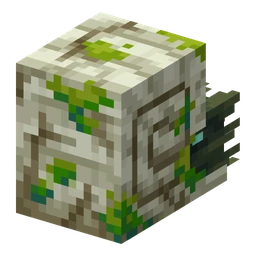 Zombie Nautilus
SABCD
-
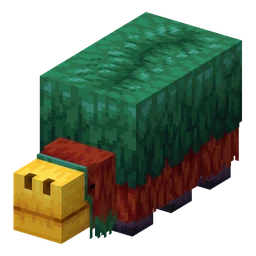 Sniffer
SABCD
-
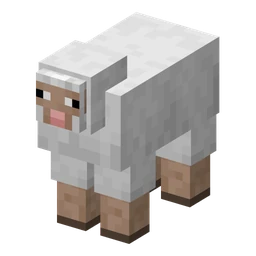 Sheep
SABCD
-
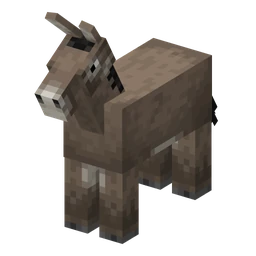 Donkey
SABCD
-
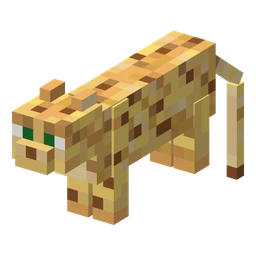 Ocelot
SABCD
-
 Panda
SABCD
-
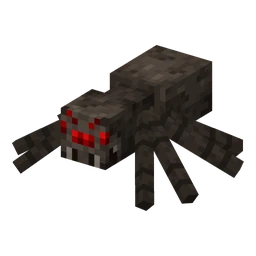 Spider
SABCD
-
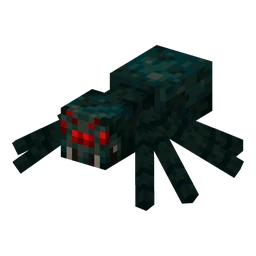 Cave Spider
SABCD
-
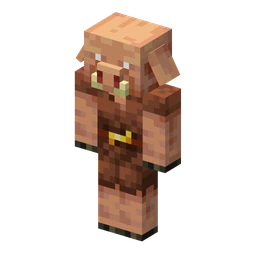 Piglin
SABCD
-
 Vindicator
SABCD
×
-
 Parrot
SABCD
×
-
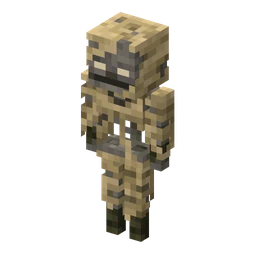 Parched
SABCD
×
-
 Bee
SABCD
-
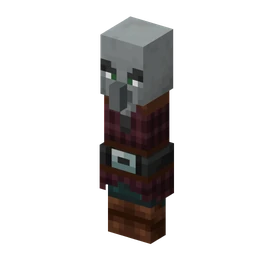 Pillager
SABCD
-
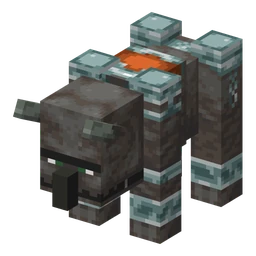 Ravager
SABCD
-
 Glow Squid
SABCD
-
 Pig
SABCD
-
 Sulfur Cube
SABCD
-
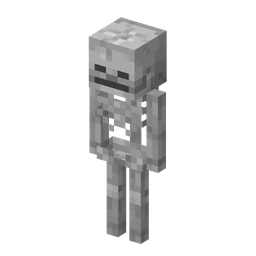 Skeleton
SABCD
-
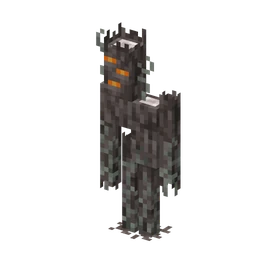 Creaking
SABCD
-
 Slime
SABCD
-
 Snow Golem
SABCD
-
 Squid
SABCD
-
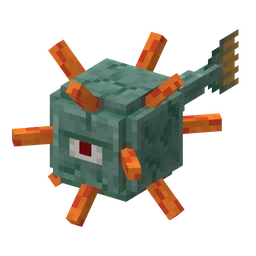 Guardian
SABCD
-
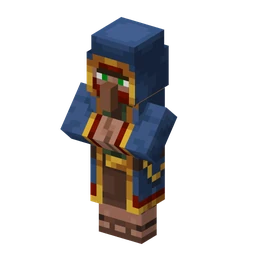 Wandering Trader
SABCD
-
 Happy Ghast
SABCD
-
 Allay
SABCD
-
 Cod
SABCD
×
-
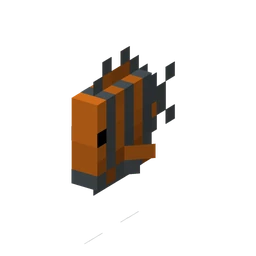 Tropical Fish
SABCD
-
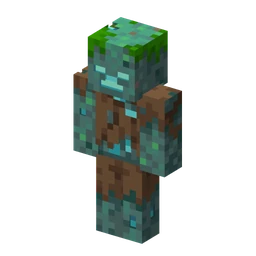 Drowned
SABCD
-
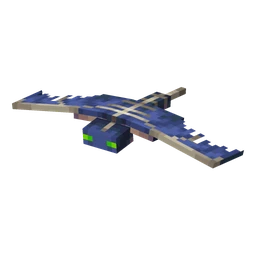 Phantom
SABCD
-
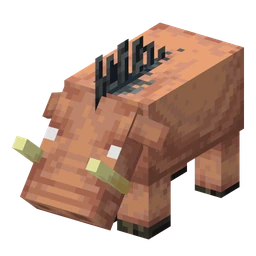 Hoglin
SABCD
-
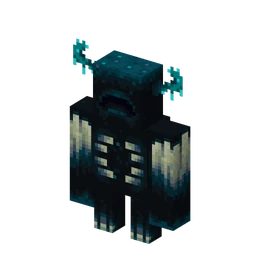 Warden
SABCD
-
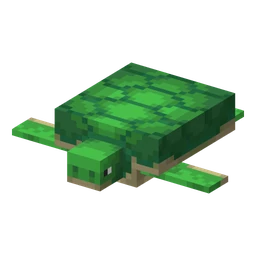 Turtle
SABCD
-
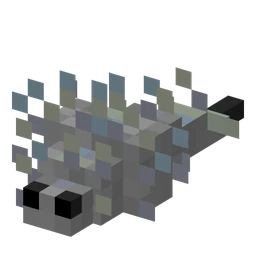 Silverfish
SABCD
-
 Shulker
SABCD
-
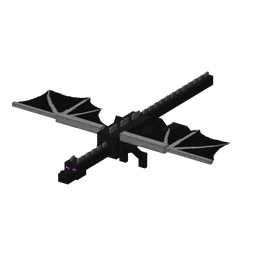 Ender Dragon
SABCD
-
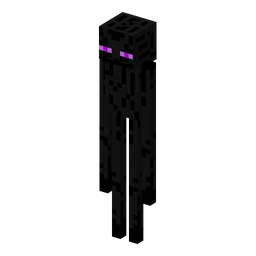 Enderman
SABCD
-
 Endermite
SABCD
How to use the result
- Arrange
Each has buttons for rows S, A, B, C, D. Click to move to the end of the row, click another to switch.
- Sign
The sign will appear above the image in game font: 'Best mobs for farm', 'Food for speedrun'.
- Take
PNG — for video previews, posts, and chat; link — so another user can open the same tier list and debate.
What to know
- Images from the game. Mob entities, biomes, structures, food, blocks, and equipment are client-side renderings from the wiki; weapons and food use client textures; biomes use their images.
- The link stores everything. Rows and caption — in the address: when opening the link, another user will see exactly your tier list.
- Rows — familiar. S — best, D — worst. Row colors — game text colors.
Strongest mobs and weapons by numbers — in the wiki: The strongest mob and The strongest weapon.
Frequently asked questions
How to make a mob list in Minecraft?
Choose Mobs and assign entries to S, A, B, C, or D to create a PNG tier list with in-game mob renders.
How to share a tier list?
Copy link: rows and caption are stored in the address, and another player will open exactly your tier list.
What can be ranked?
Mob, weapons, food, and biomes with images from wiki: mob renders, item textures, and biome images.






















































 Minecraft item tooltip image maker
