Skin generator
Skin and nickname
Ready-made 64×64 skin in one clickLearn more
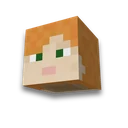
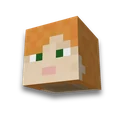
It's a finished Minecraft scum for one click. The face, hair, clothes, and colours are collected by the rules, not taken from someone else's gallery -- no one else has this skin anymore.
My game select version
We'll remember in this browser and set up where your version is available. Open link settings are more important than this choice; the Vicki versions do not change.
Skin #807542
PNG 64×64
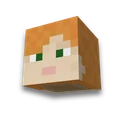
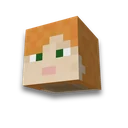
Skin model - Alex: select it when loading, hands are drawn under it.
How to use
- Download PNG
The “Download skin” button is a ready-made 64x64 file; you don’t need to redraw it.
- Open your profile
Minecraft Profile or the “Skins” tab in the launcher. On pirated launchers - their profile settings.
- Download and select model
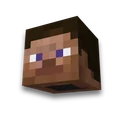
The one named under the skin: Steve or Alex. The wrong model and your hands will end up a pixel wider or narrower.
Frequently asked questions
How to make your own skin for Minecraft without an editor?
Press "Another" – the skin is collected by the rules of a palette and a dozen and a half signs of appearance. The finished PNG 64×64 is downloaded and downloaded into the Minecraft profile.
What does the skin number mean?
It's the code from which the skin is collected: the same number always gives the same piece. You can share it with someone else, and the link will open the same figure to another person.
Is it possible to choose a hairstyle and clothing color?
Yes, the settings narrow down the throw: the marked remains, the rest comes out by accident. The hair, hair color, clothes, pattern, beard and model are selected separately.