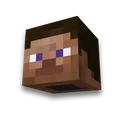
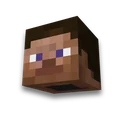
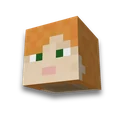
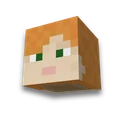
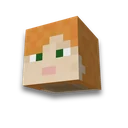
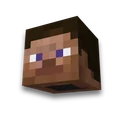
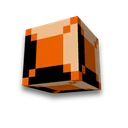
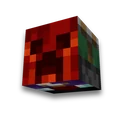
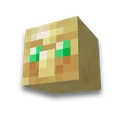
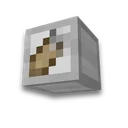
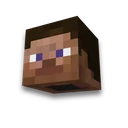
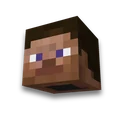
GIF avatar from the skin
Skin and nickname
Skin animation: walking, running, GIF and WebMLearn more
The head and the figure rotates, the character goes, runs, waves its hand or dances. In Nick or PNG, GIF animation for the avatar and WebM for the video. The size and position of the camera is constant throughout the cycle.
My game select version
We'll remember in this browser and set up where your version is available. Open link settings are more important than this choice; the Vicki versions do not change.
Whose skin
Or your file
Movement
Speed
Size
Background
Form
Background color

How to install
- Download GIF
Click the button below the picture: 24 frames in a circle, size - 128 or 256 pixels.
- Discord
Animated profile avatar - from Nitro. Without it, GIF will become a server icon with a first level boost.
- Forums and streams
GIF 128×128 or 256×256 are accepted for avatars of most forums and emotes of streaming platforms.
What you need to know
- Render - like in the game. The second layer of skin (hat, glasses) is drawn on top of the head, the light is the same as that of the avatar and the heads of the site sections.
- 1.2 seconds in a circle. 24 frames, GIF repeats endlessly.
- Circle or square. Discord and Telegram cut the square into a circle themselves - leave “Square” for them.
A picture without movement - a head, face or figure - will be taken Avatar from the skin. There is no skin - draw in skin editor.
Frequently asked questions
How to make an animated avatar from a Minecraft skin?
Write a license note or download the skin, select motion — spinning, walking, running, arm swinging or dancing — and download the GIF 128 or 256 pixels.
How to download skin animation in WebM?
Press "Slip WebM" in a video-backed browser. The same cycle of the same footage used in the GIF is recorded. If the browser does not support the WebM, the GIF will be downloaded.
Why don't GIFs with a transparent background have anti-aliasing?
GIF stores transparency as "yes or not", without halftones. A smooth edge would produce a dark border, so the render is clear against a transparent background.