
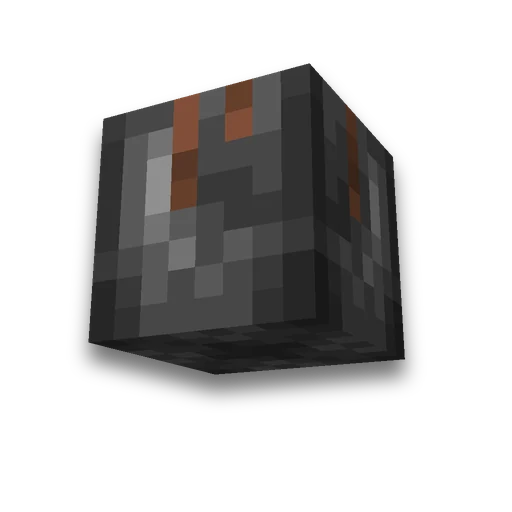
coloring book Steve From Minecraft
Skins and usernames
Creeper and skin color-by-number pagesLearn more
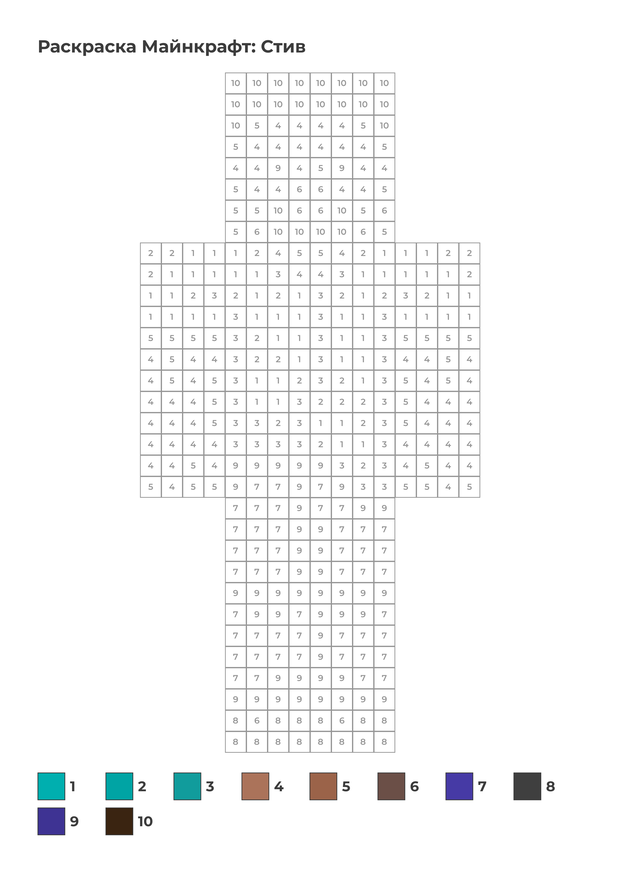
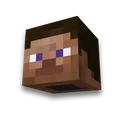
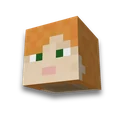
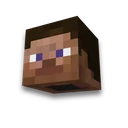
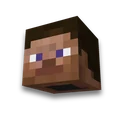
Steve full face — 16 × 32 cells straight from the game: each texture pixel is a cell on an A4 sheet. Download the PDF and color by number or by cell.
My Game select version
Save your preferences in this browser and apply them to supported tools. Settings in a shared link take priority. Wiki version labels are not affected.
What to color
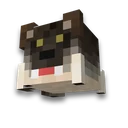
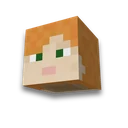
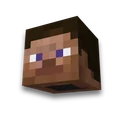
The entire skin is full face - 16 × 32 cells. Whose skin is below.
Choose a skin
Or your own file
How to paint
How many colors
Fewer colors — simpler for kids: similar shades merge into one pencil.
Ready colorings
How to paint
- Print
PDF — A4, 100% scale. Standard office paper will work.
- Pick up pencils
At the bottom of the sheet — colored squares with numbers. Find a matching pencil or marker for each.
- Fill in the cells
For color by number, match each cell to the numbered palette. For grid copying, reproduce the small reference image cell by cell.
What to know
- Images from the game. Mob faces and items use the original client textures pixel for pixel. Use your own skin file or retrieve a skin by Minecraft username.
- Colors reduced to palette. The game has dozens of color variants; the page collects 6, 10, or 16 of them — as many as pencils you have available.
- Empty cells — background. Transparent pixels are not rendered: the sword and face appear on a white sheet.
Assembles a paper figure from a skin layered paper art, blueprint for beads — fuse beads creates an image from blocks in the game — pixel art. Another task on an A4 sheet — crossword and word search.
Frequently asked questions
How to print a coloring book Steve?
Click "Download PDF" and print on A4 sheet at 100% scale. On a sheet Steve full face — 16 on 32 cells, each cell is a pixel from the game.
How many colors are needed for coloring Steve?
In the game texture 30 shades. On the default sheet 10 Colors, buttons «6 Colors» and "16 Colors» — 6 and 16. Fewer flowers make it easier for kids.
Is it possible to make such a coloring from your skin?
Yes: in the “Whose skin” step, enter the license nickname or upload a file - your skin will appear on the sheet in the same way, full face 16 by 32 cells.









 Minecraft pixel art generator