
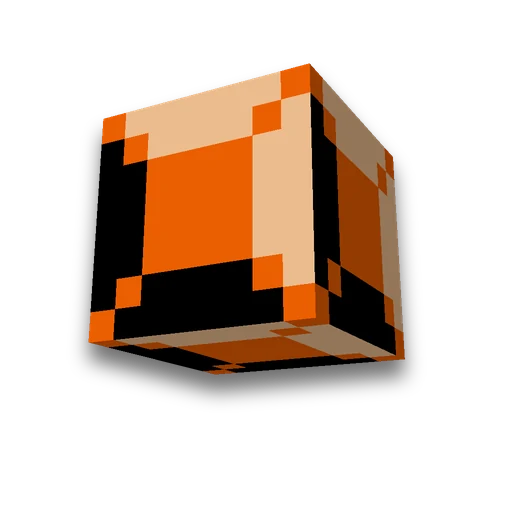
Minecraft block and item displays
Commands
Create block_display and item_display entitiesLearn more
Displays with 1.19.4 draw a block or item without a hitbox — rotated, scaled, or stretched. Choose what to show and how to rotate — we'll build the /summon command.
My Game select version
Save your preferences in this browser and apply them to supported tools. Settings in a shared link take priority. Wiki version labels are not affected.
Keyframe animation
Set the position, rotation, and scale of a block or item over time. Preview, smooth cycle, and ready-to-use datapack with start and stop commands.
Animate the displayHow to use the result
- Stand in place
The block spawns on the tile where you stand (~-0.5 ~ ~-0.5 — center of the cell), item on the block above the feet. Change these numbers to position it more precisely.
- Run the command
With operator permissions in chat or command block — a long command won't fit in chat.
- Remove extra items
Displays have no hitbox — they can't be broken by hand. The second command removes the nearest entity with your tag.
What to know about displays
- Version 1.19.4 or newer is required. Then came block_display, item_display, and text_display. Starting with 1.20.5, the item count is displayed. count— previously Count:1b.
- The block rotates around an angle. The game draws a block from the entity's corner, and rotation without correction shifts it off-center. The default page adds a shift to rotate the block around its center.
- This is an image, not a block. Passes through the display, cannot stand on it, water and light do not affect it. However, any scale is possible — from tiny details to massive blocks.
- Text in the air — also a display, text_display: it will be summoned by that command hologram generator.
Collects visible entities with hands and pose armor stands, mob — /summon generator.
Frequently asked questions
How to place a block in the air in Minecraft?
The block_display entity, from 1.19.4: /summon minecraft:block_display with block_state. It draws a block without a hitbox — with any rotation and scale.
Why does block_display rotate around the wrong center?
The game draws a block from the entity's corner, and rotation rotates it around the corner. The translation offset returns the rotation center to the block's center — the page adds this shift itself.
How to remove block_display?
Using the command /kill with a selector based on type and tag: a display cannot be broken — it has no hitbox.




 Minecraft text hologram generator
 Armor Stand