
On this page 11 sections
At a glance
A backup copy is useful only after a recovery check. In this example, mod creates calendar archives, and the server owner checks separately the log, archive content and launch of the restored world. The existence of a backup folder does not in itself confirm the validity of the last copy.
Example: Java 1.20.1, Simple Backups 3.1.19, Forge/NeoForge as per release. In 26.x branches, the configuration may differ.
Explanatory diagram with items from the Minecraft client.
Don't edit a similar Confiscation of another assembly. If the world is launched from a separate work folder, the Backup Catalogues refer to it rather than to a neighbouring client.
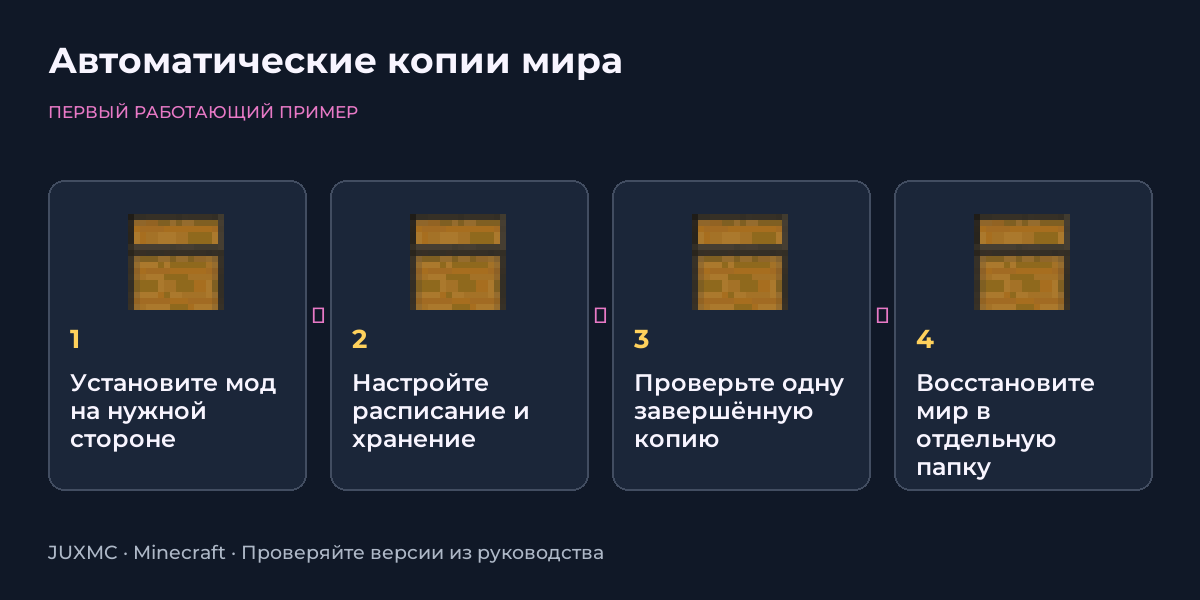
- On a dedicated server, install Simple Backups in the server mods folder; The mod does not require a mandatory client installation for this task.
- In a single player game, install a compatible file in the profile where the desired world is located.
- Perform the first launch, then gracefully stop the server or exit the world.
- Locate the generated Simple Backups configuration in the instance directory, checking the name against the boot log.
First, read the units of measurement in the parameter comment. The number of 60 in different versions may indicate different intervals; do not move the configation blindly.
- In the created file, find the parameters for the interval, maximum number of copies and maximum total space.
- Select an interval for the acceptable loss of progress: for example, an hour of work between successful copies.
- Set the archive and space limit so that multiple past states are retained.
- Save the config and restart the process. Check in the log that the setting was read without errors.
If the place ends, a new copy may not appear. Check the free space and log, especially after the world is larger.
- Wait for a message about the successful completion of archiving, and not just about its start.
- Find the new archive and check the date, size and content: level.dat, regions and world data.
- Open the integrity test with the archiver, without replacing it with the world loading check.
- Record the storage location and ensure that limits have not deleted any earlier copies.
If the server uses a non-standard live-name or extra worlds, check them separately. The automated archive does not necessarily contain server seizures and files outside the world.
- Stop the server and save the current world directory under a different name.
- Unpack the selected completed copy into a separate test folder, not on top of the only working world.
- Check the nesting level: level.dat should be in the root of the desired world, and not two folders deeper.
- Launch a copy with the same versions of the game, mods and configuration; check the database, inventory and player data.
A copy on the same disk helps after an error in the world, but is not saved if the disk is lost. Rotation and separate storage solve different problems.
- Write down the backup path, world name, bootloader versions and stopping and starting order.
- Regularly transfer the verified copy to another device or Vault.
- Before updating, make a separate copy that will not be affected by normal rotation.
- Periodically repeat the restore to the test directory and note the result.
| Issue | What to check |
|---|---|
| No new archive | Check free space, interval, startup conditions, and termination log. |
| The world is not visible after unpacking | Check level.dat in the root and the extra external archive folder. |
| After recovery, the mod data disappeared | Check the contents of the copy, mod versions and additional files outside the world directory. |
Example: Java 1.20.1, Simple Backups 3.1.19, Forge/NeoForge as per release. In 26.x branches, the configuration may differ.
Certificate verified 31 October 2026 year. Before installation, select the file for your version of the game and loader.
Should Simple Backups be installed on players?
For dedicated server backups, a server installation of a compatible edition is sufficient.
Is it possible to unpack a copy on top of the running world?
Stop the server first. To check, unpack the archive separately and save the current world until the copy is successfully launched.
Why are old archives disappearing?
The mod supports limiting the number of copies and occupied space; When the limit is reached, old archives are deleted.
The entire section Find a Minecraft server
Verified against official author documentation. Compatibility is indicated for example purposes on the page.