

On this page 11 sections
At a glance
SecurityCraft connects the security units to the owner. The working protection requires not only strong walls, but also properly designed devices, access modules and testing by another player.
Example: SecurityCraft v1.10.2.1 for Java 1.20.1 Forge. For recipes and names of settings, refer to the in-game manual for this release.
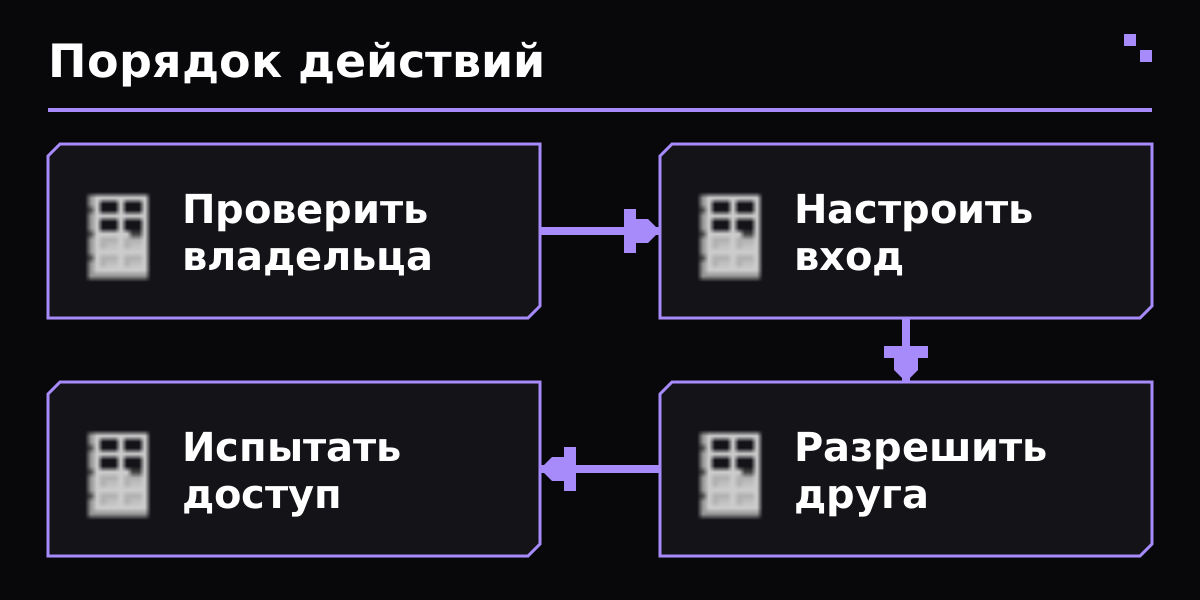
Explanatory diagram of the sequence of actions; This is not a shot of the game's interface.
- Install SecurityCraft and its dependencies for the same version of the game on the server and clients.
- Open the in-game manual and prepare the basic setup tools.
- Place a trial protected block with your player.
- Have a second normal player check interaction and destruction.
- Check the owner information before transferring the device to the main database.
- Select reinforced building blocks and a suitable door from the available recipes.
- Close the bypasses around the entrance: a reinforced door does not help if there is a passage through a regular block nearby.
- Install a code input device or other supported controller.
- Set up a password and connection between the device and the door according to the manual of the selected unit.
- Check opening, closing and behavior after re-entering the world.
The control of the block and the authorization to use the device are different tasks. The transmission of one action to a friend should not automatically be considered a transfer of the entire base.
- Open the device settings with the provided tool.
- For supported blocks, use the allowed players module or other documented access method.
- Add the exact name of the desired player and check the scope of the permission.
- Ask a friend to try login without operator rights.
- Separately, check that an unauthorized player has not gained access.
- Place the Security Camera so that it actually faces the entrance.
- Prepare the monitor or viewer provided by your version.
- Link the camera according to the device manual and check the image.
- Check viewing permissions and operation at the correct distance.
- Please note that viewing the camera itself does not create an event log or automatically rollback the neck.
- Experience owner login, friend permission, and third party login.
- Check the normal destruction, adjacent passages, and device activation methods that are actually allowed on your server.
- Make a backup of your world and configuration before upgrading.
- When changing ownership, use the provided tool and repeat the access check.
- Do not post the current password in screenshots of the guide or in the server description.
| Issue | What to check |
|---|---|
| Friend can't open the door | Check the access module of the exact device you want, the player name and owner settings. |
| The device is not configurable | Check the owner and the correct configuration tool for this block. |
| The camera does not show the desired location | Check the direction, binding, availability and limitations of the selected version. |
| The owner passes without entering a code | Some devices treat the owner differently by default. Check the owner interaction setting, not just the password. |
The PhNy7dJx release is confirmed by Modrinth. Access to the scoreboard command and the owner's behavior can be adjusted. mod protection does not promise protection from administrator, external plagins or outside supported mechanics.
- SecurityCraft: ownership and capabilities
- SecurityCraft: documentation
- SecurityCraft: sources and releases
Certificate verified 31 October 2026 year. Before installation, select the file for your version of the game and loader.
Is the fortified block protected from any administrator?
Such a promise cannot be made. Administrator rights, third party mods and server configuration are beyond the normal player's review.
Do you need to transfer ownership to let a friend in?
First, consider the device's permissioned access module. Using and changing ownership are different actions.
Is the camera recording everything that happens?
Don't think of camera viewing as a recording and rollback system. Test specific features of your release devices.
The entire section Find a Minecraft server
Verified against official author documentation. Compatibility is indicated for example purposes on the page.